Email Set Up Instructions
For questions, complaints or requests for additional information, please contact WTS by email at: oc@wtrtcoop.com
EMAIL SET UP INSTRUCTIONS
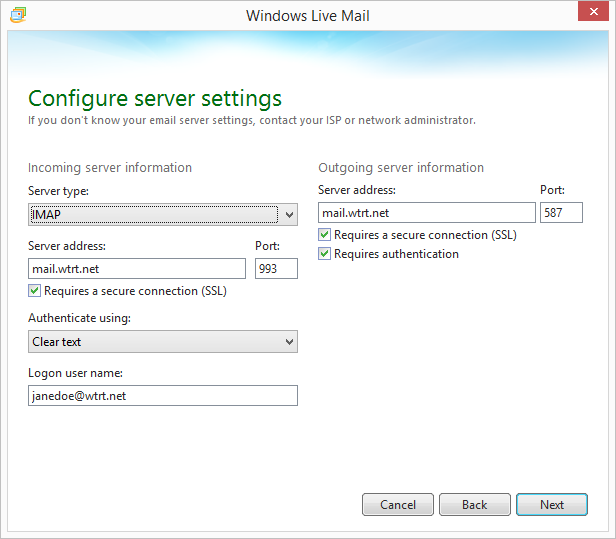
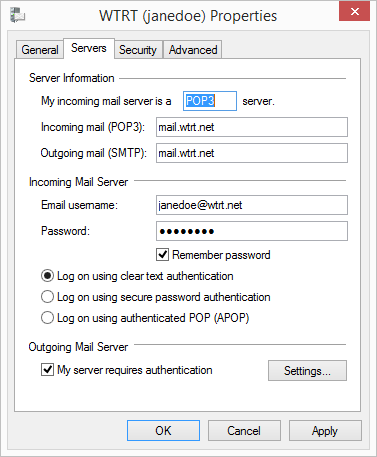
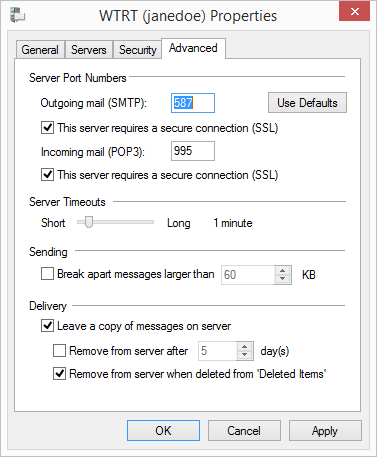
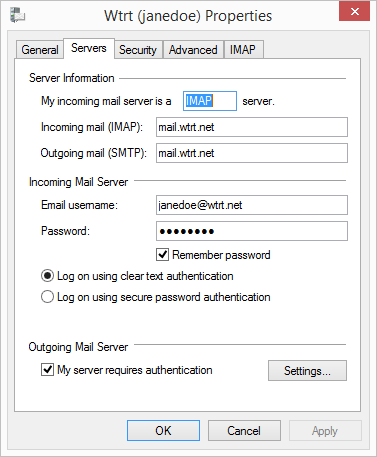
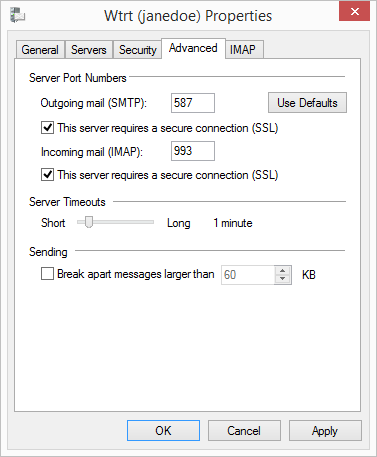
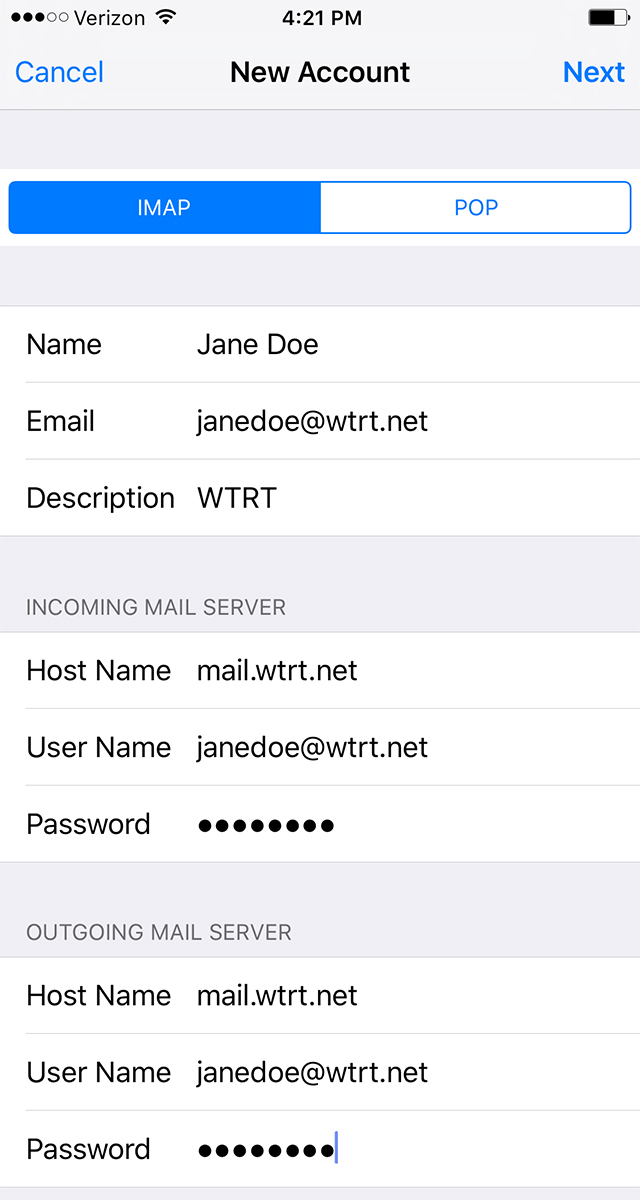
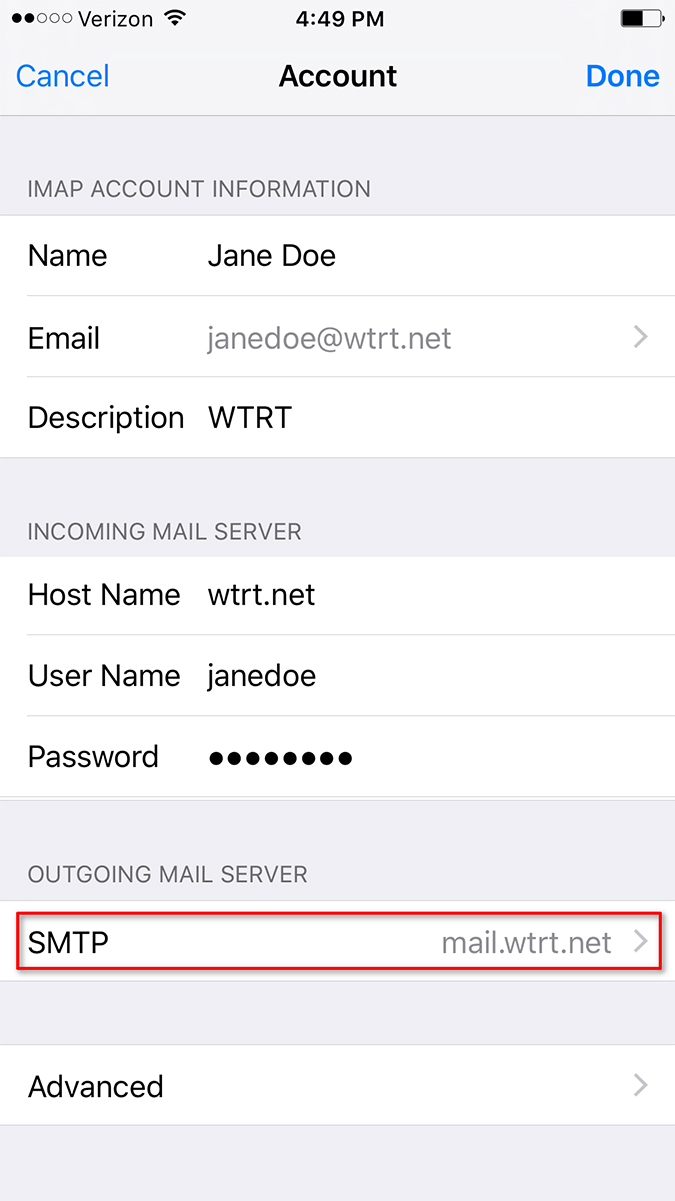
Mail Server Settings
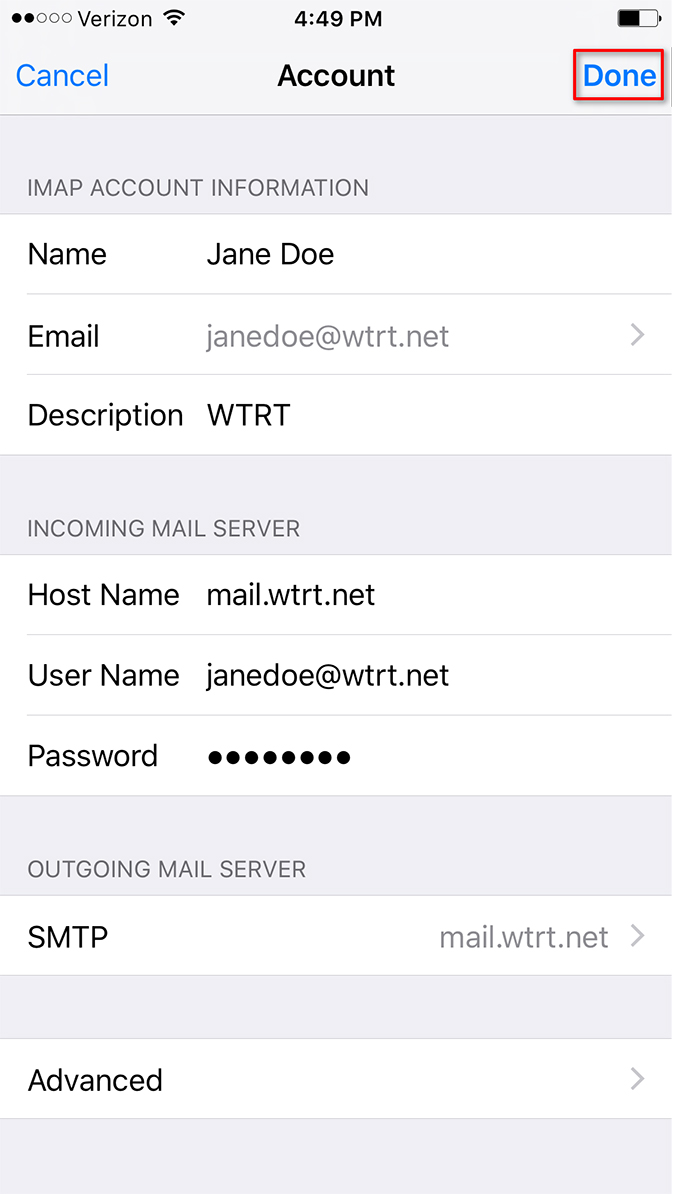
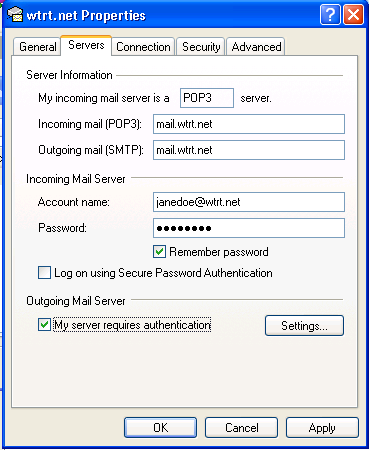
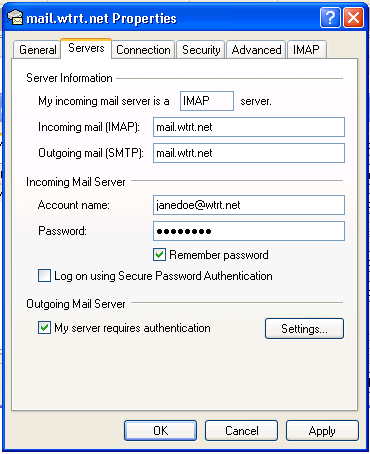
• Incoming mail server (IMAP): mail.wtrt.net
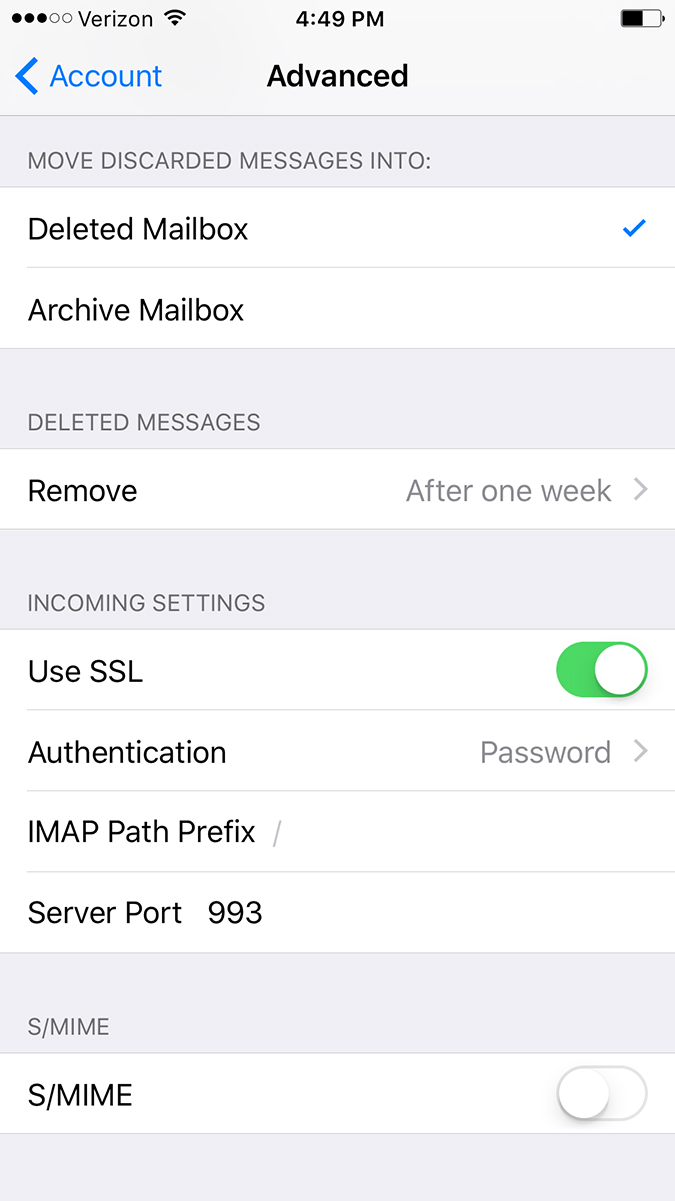
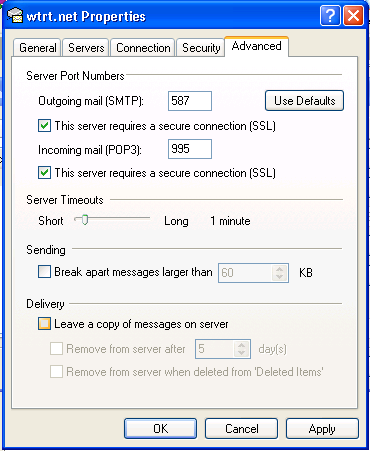
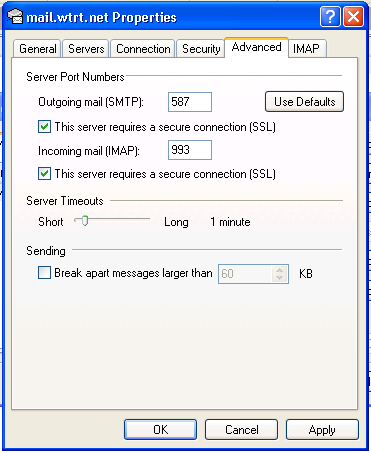
• Incoming server port number: 993
• Select security option: SSL
• Username: Example: janedoe@wtrt. net
• Password:
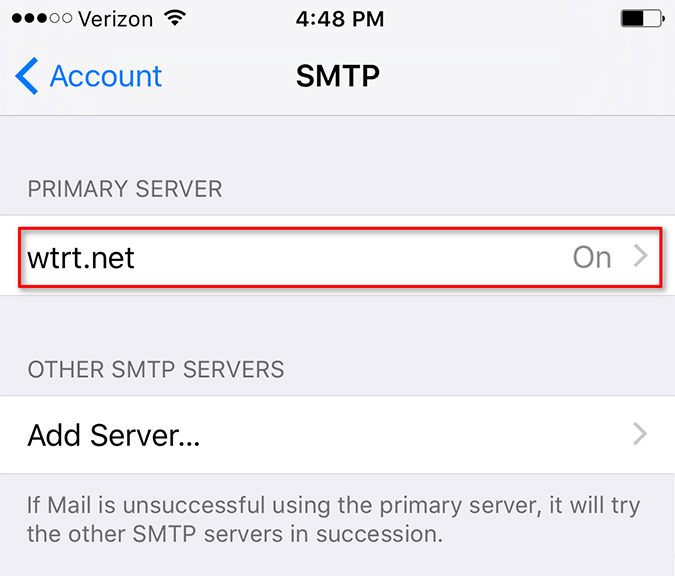
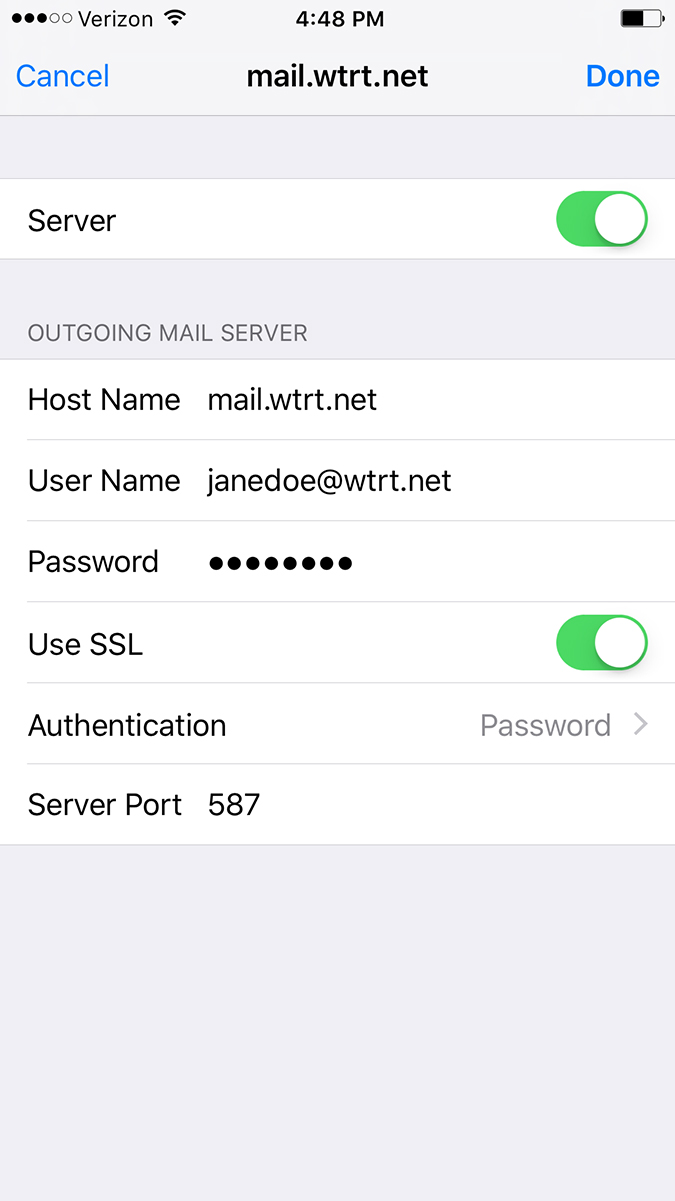
• Outgoing mail server (SMTP): mail.wtrt.net
• Outgoing server port number: 587
• Select security option: STARTTLS (TLS)
• Make sure "My server requires authentication" is checked.
• Username: Example: janedoe@wtrt. net
• Password:
If you need at Windows Email client you can download Windows Essentials below.
• Download Windows Essentials from here.
• Install Windows Essentials.
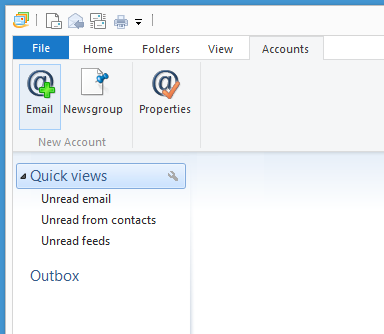
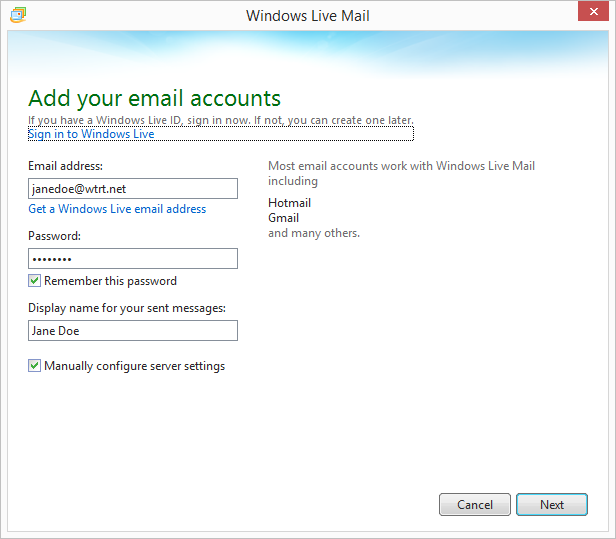
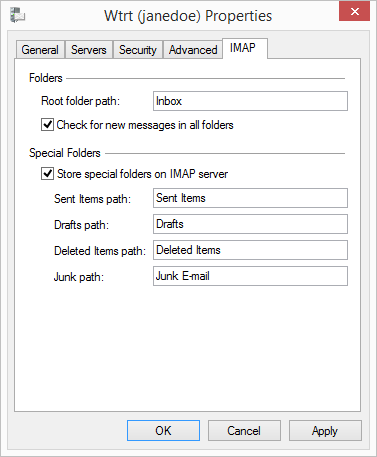
• Setup your email with the mail server settings listed above.
For assistance, please call (806) 364-3331, and ask for Tech Support.
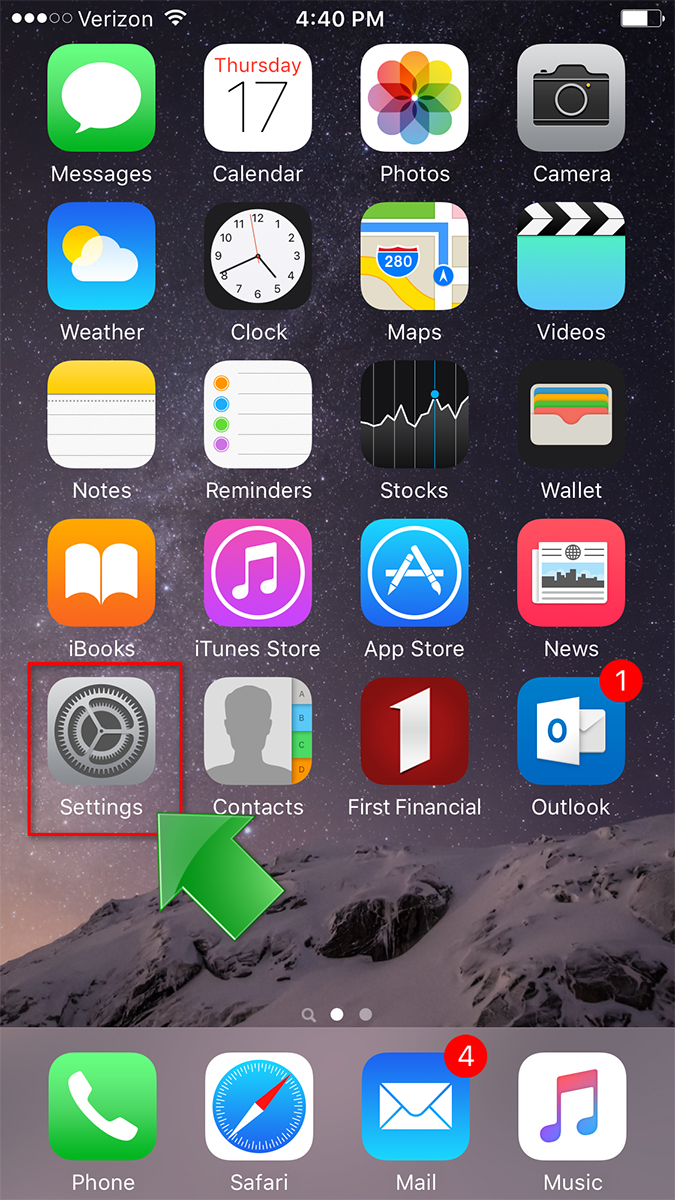
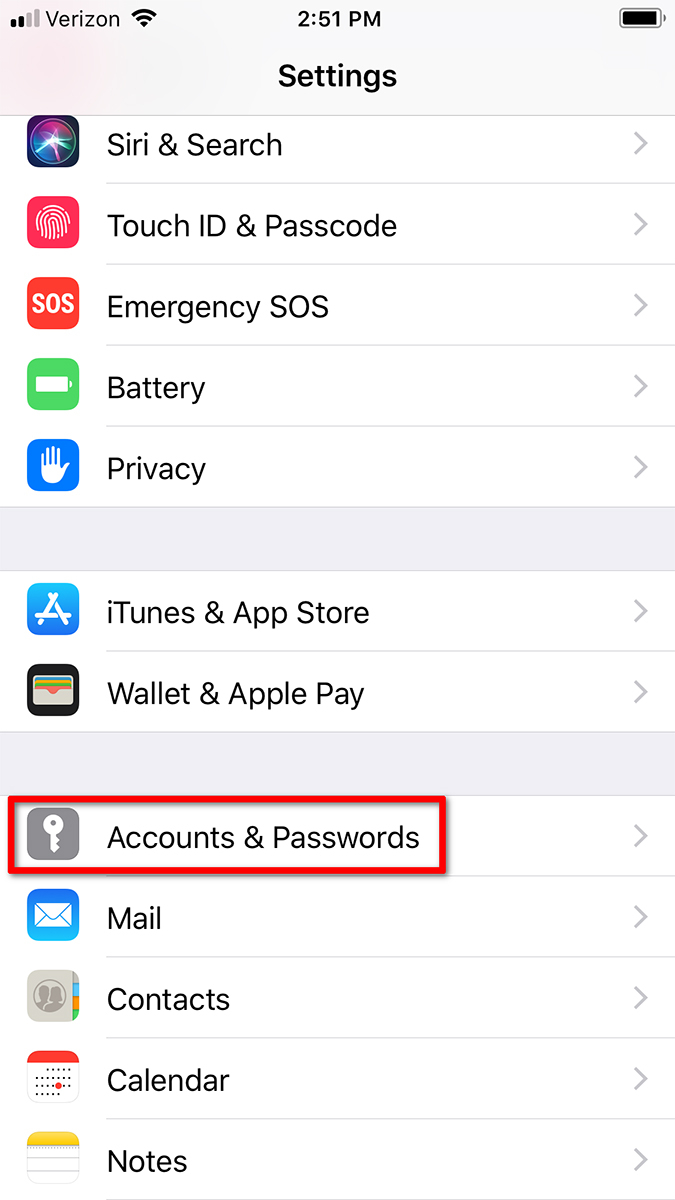
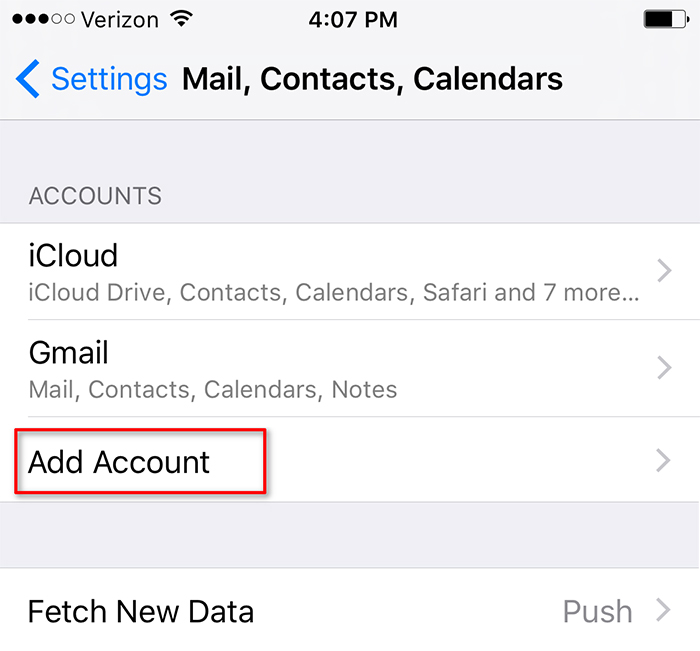
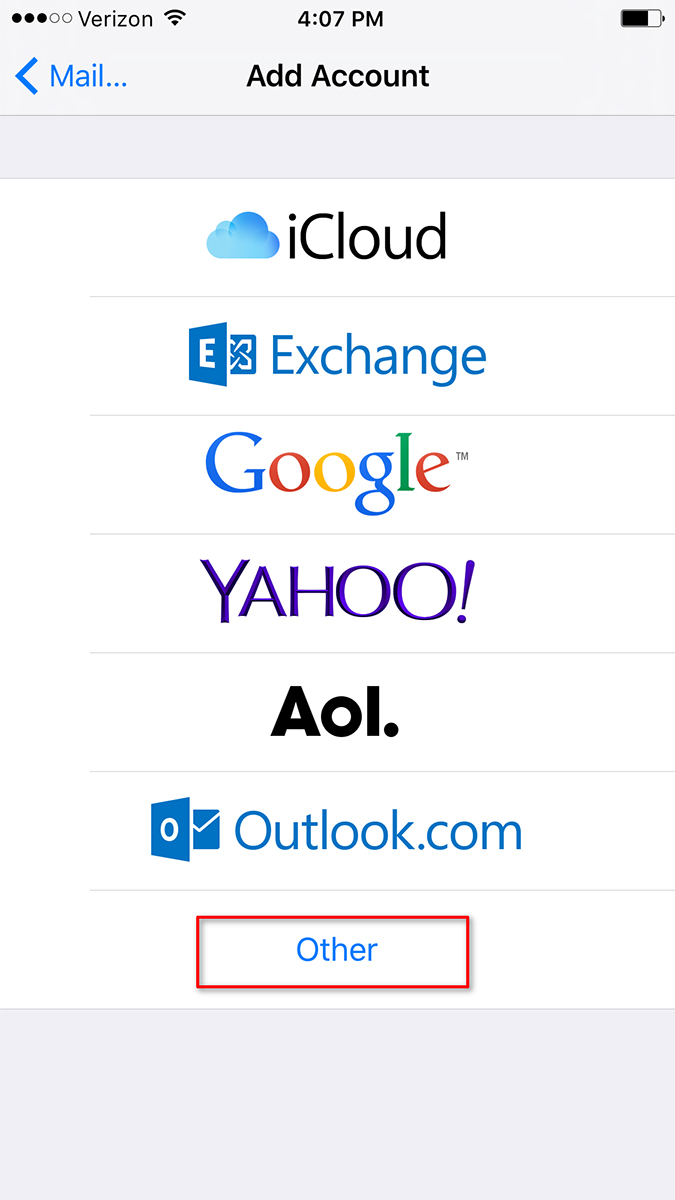
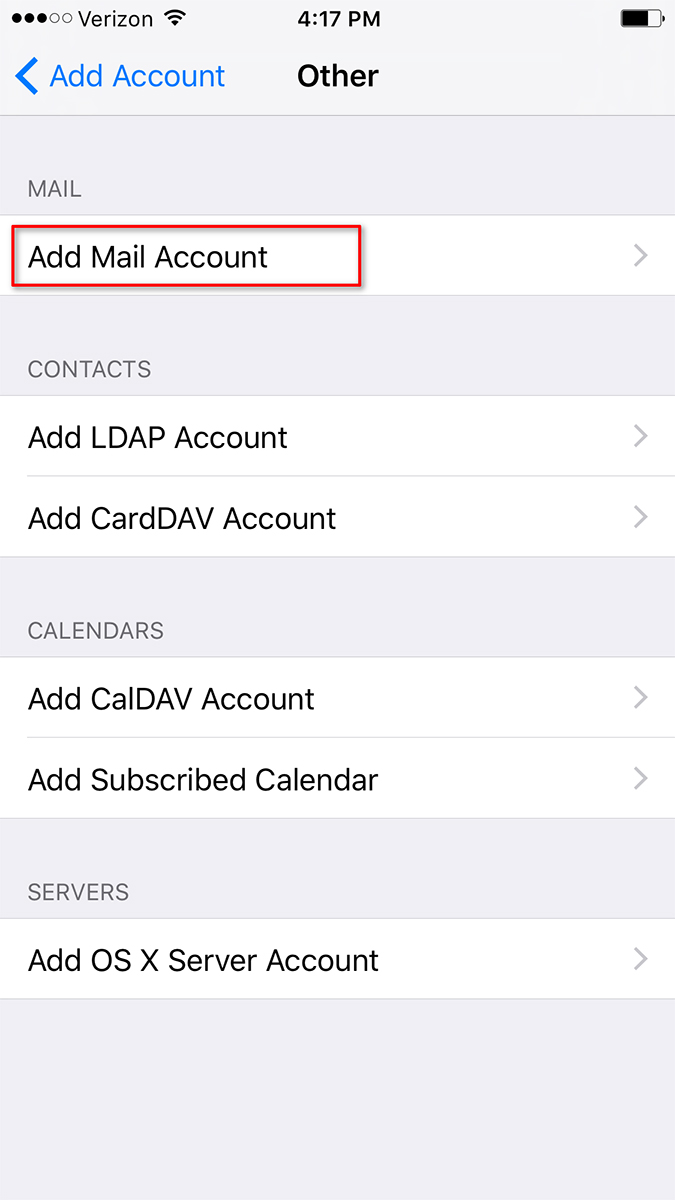
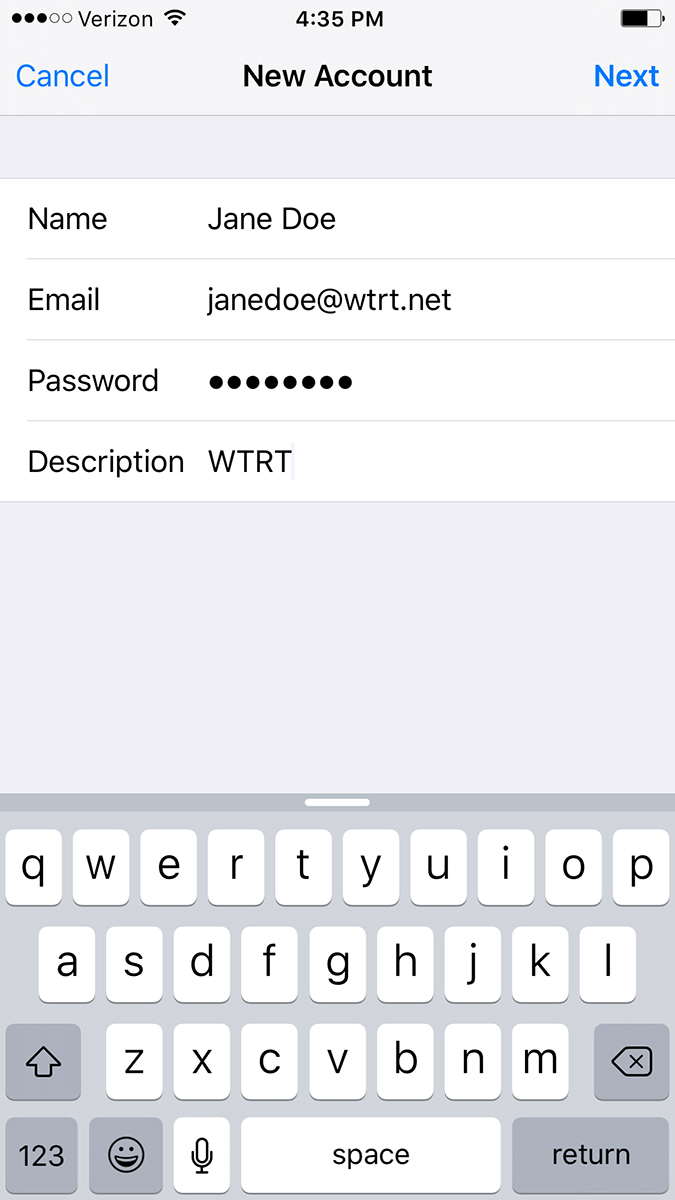
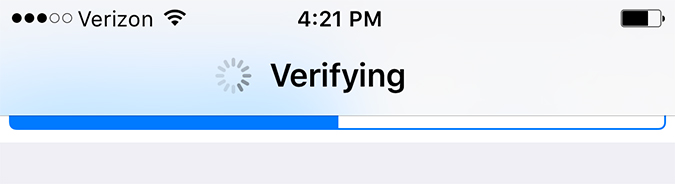
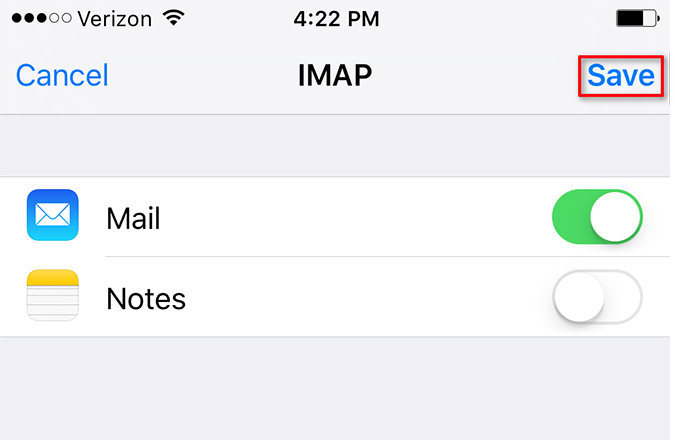
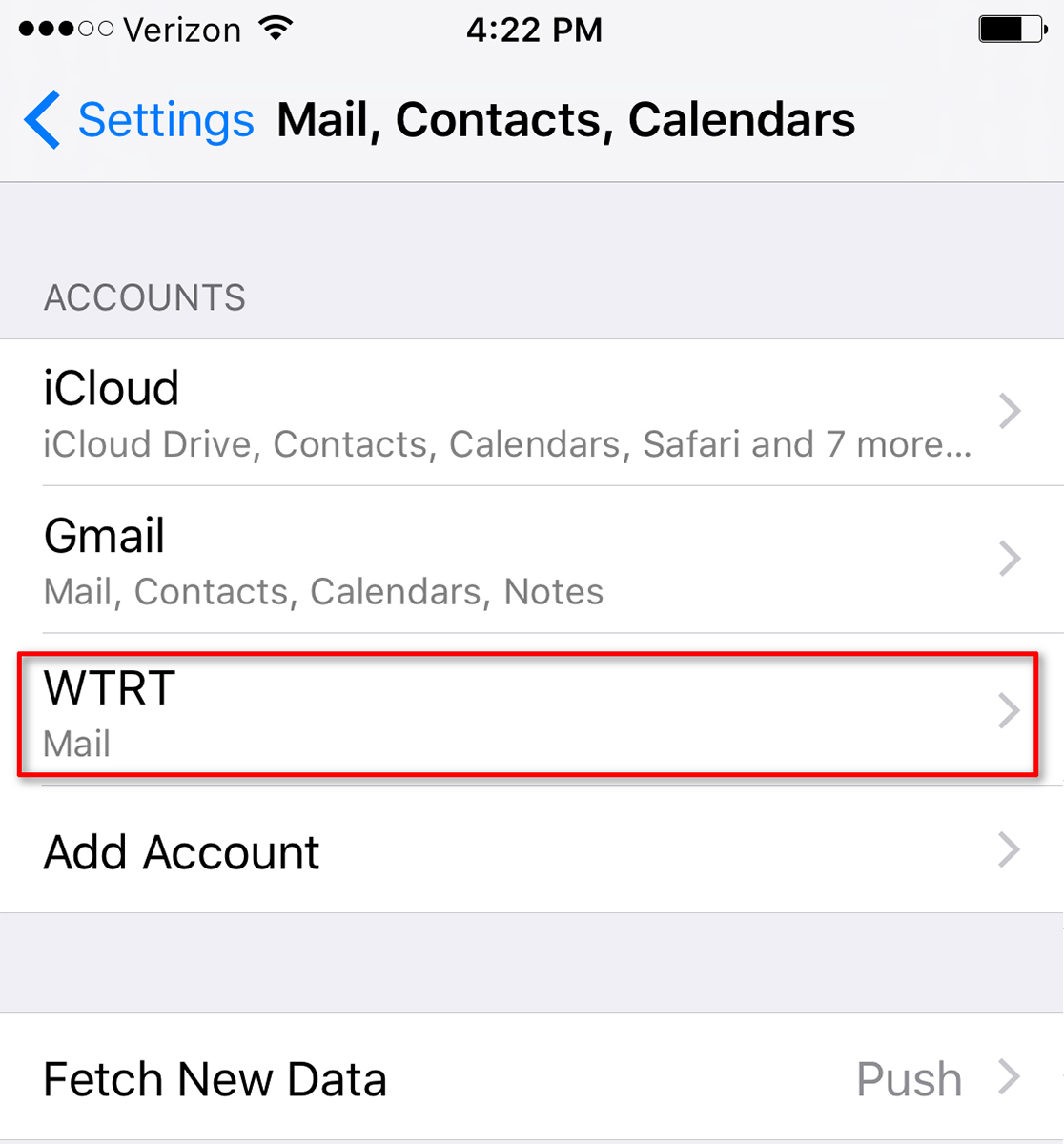
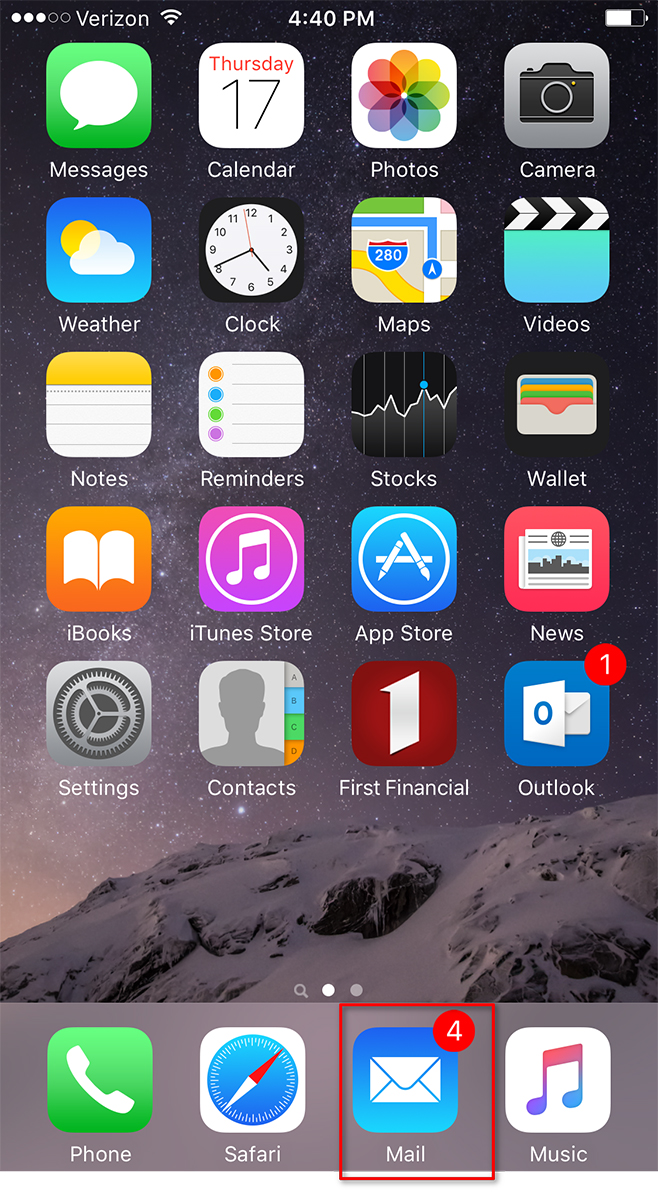
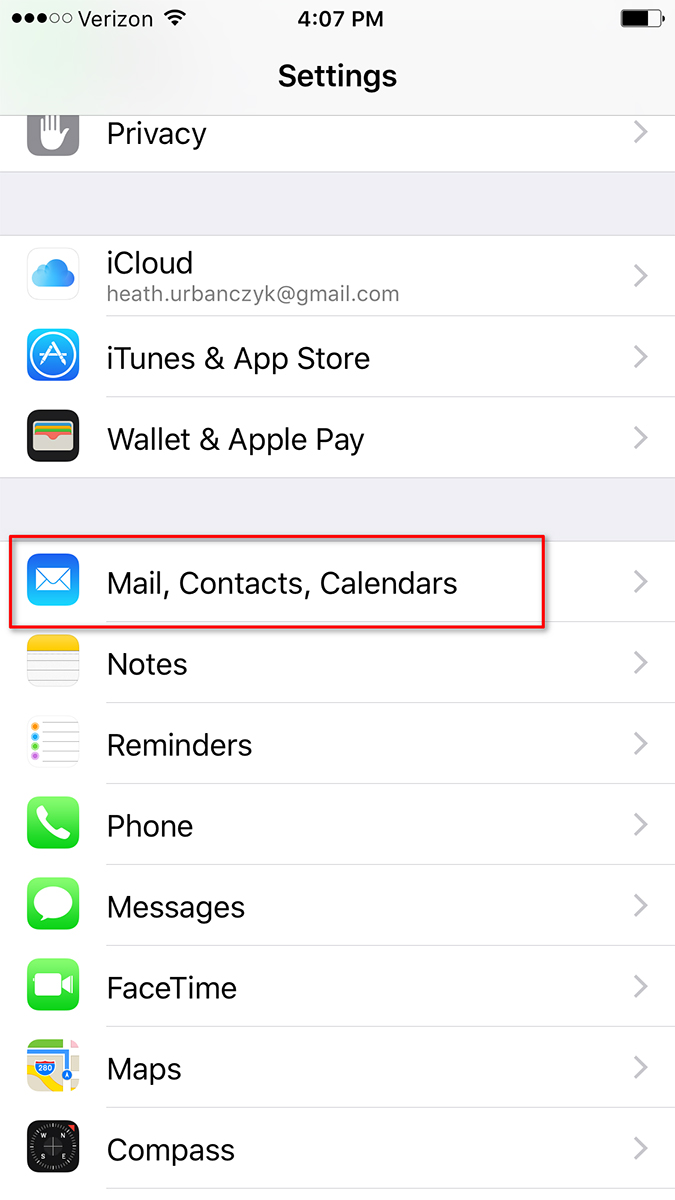
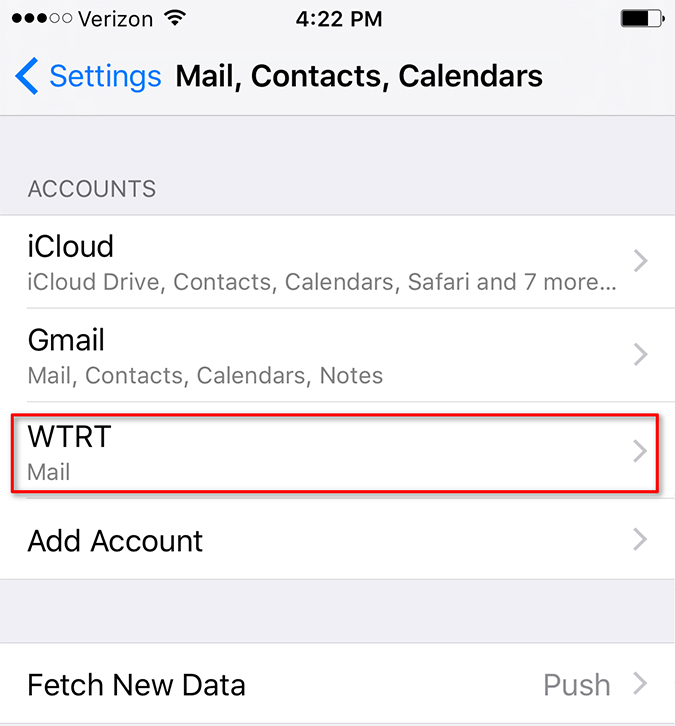
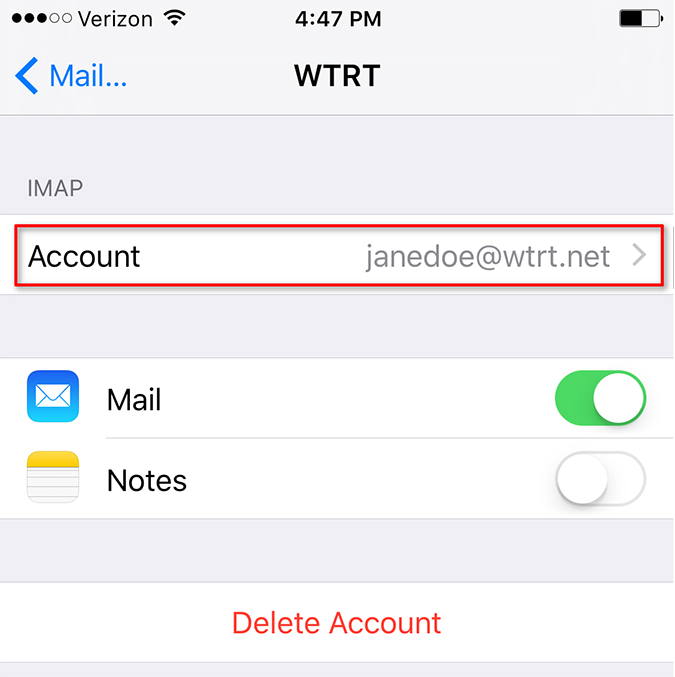
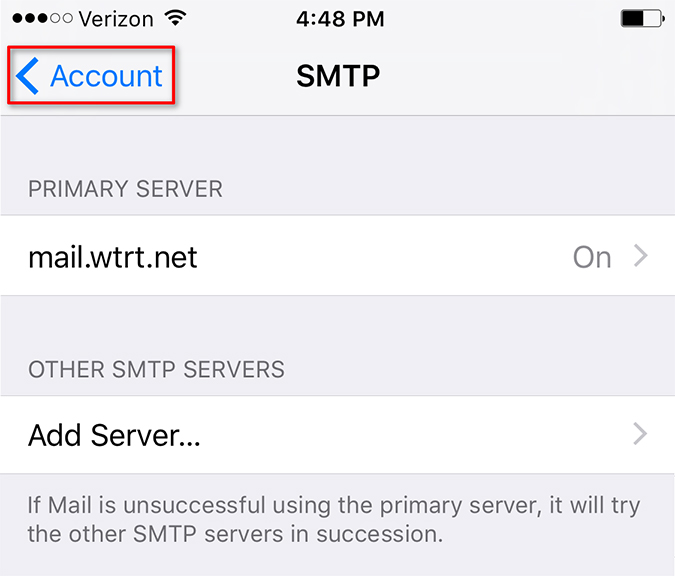
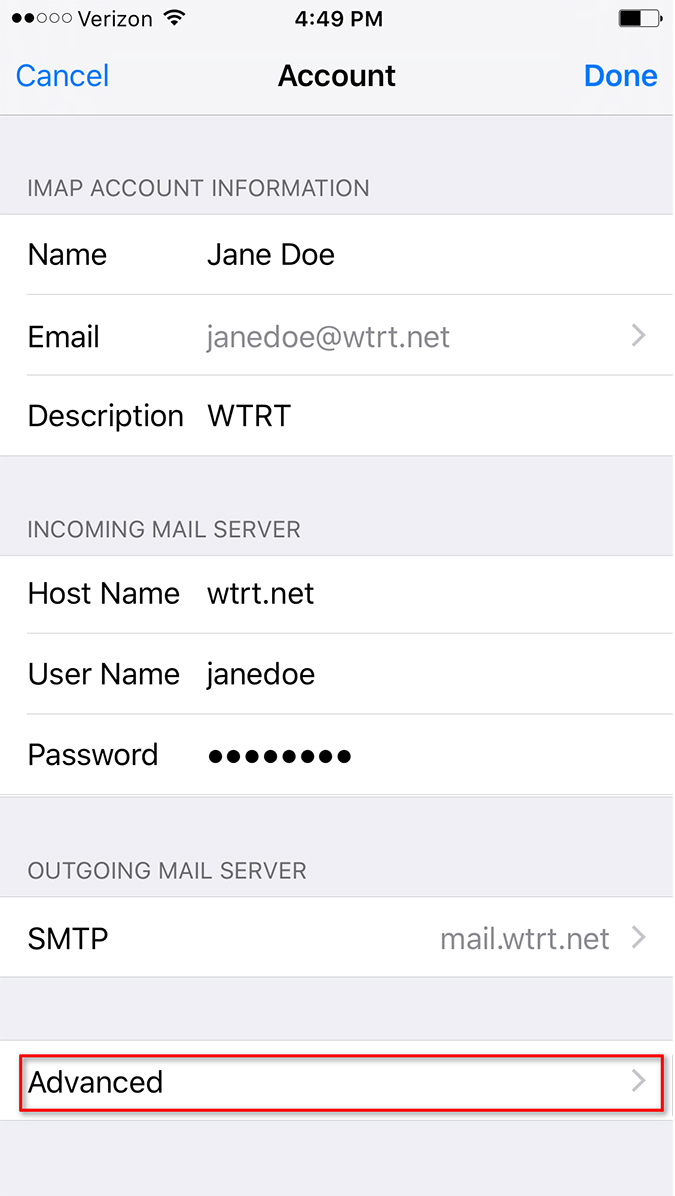
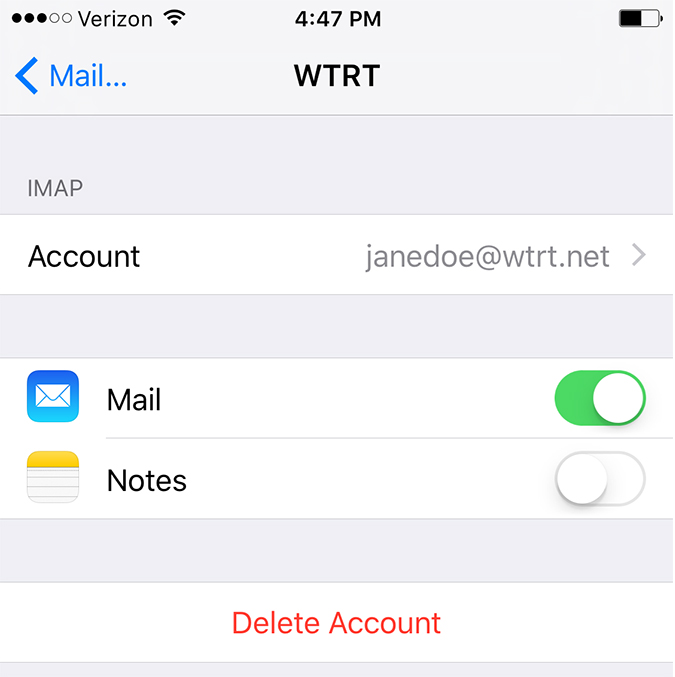
iPhone or iPad
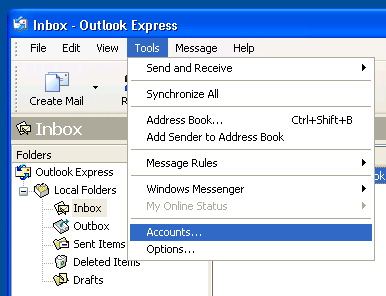
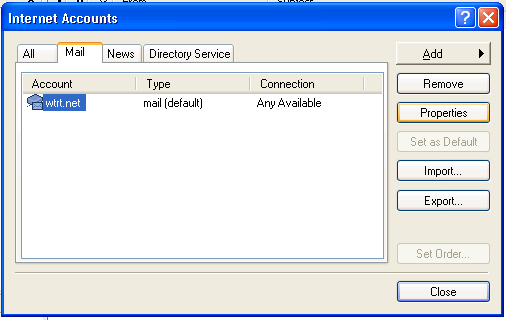
Outlook Express (Windows XP)
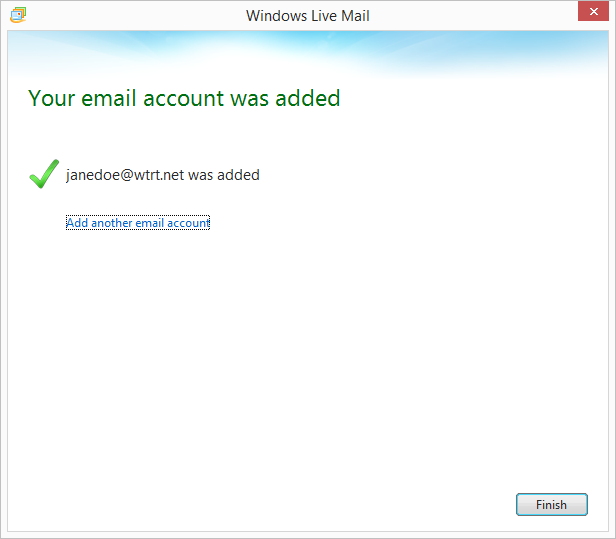
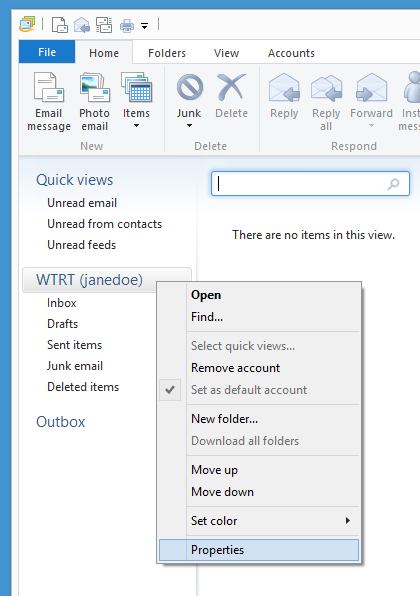
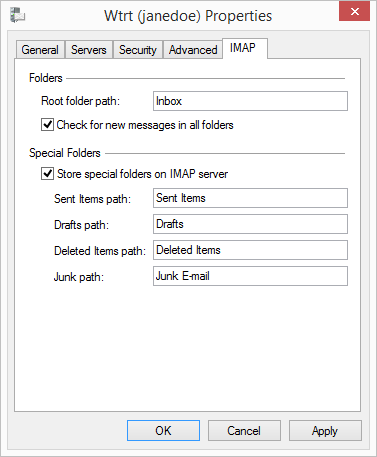
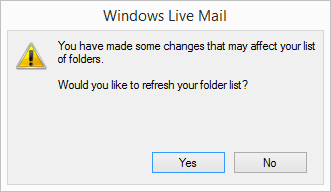
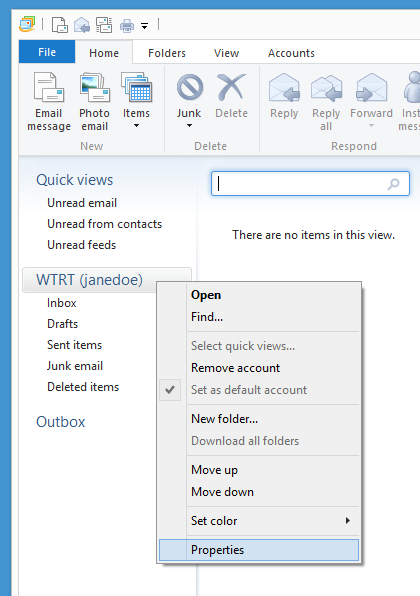
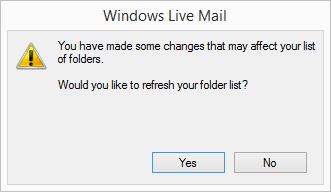
Windows Live Mail (Windows Vista, Windows 7, 8 & 10)